
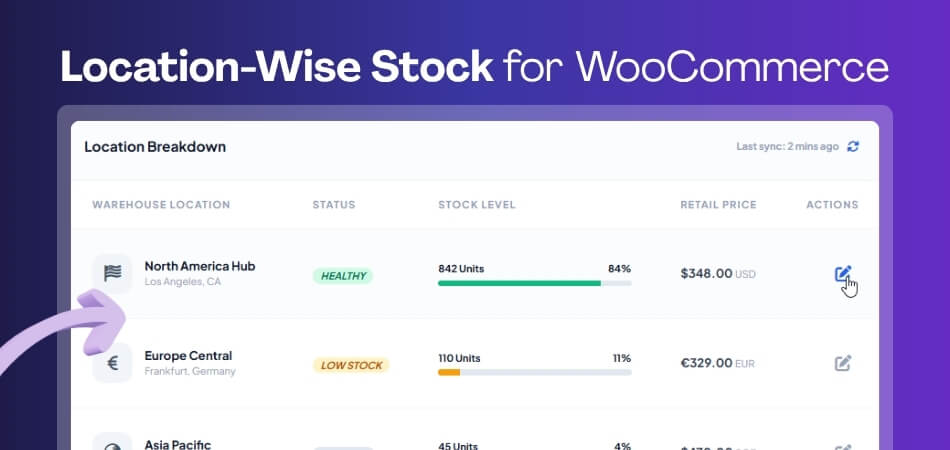
Location-Wise Stock for WooCommerce: Full Setup & Best Plugin
Location-wise stock for WooCommerce allows store owners to manage inventory separately for each store, warehouse, or branch from a single
Location-wise stock for WooCommerce allows store owners to manage inventory separately for each store, warehouse, or branch from a single
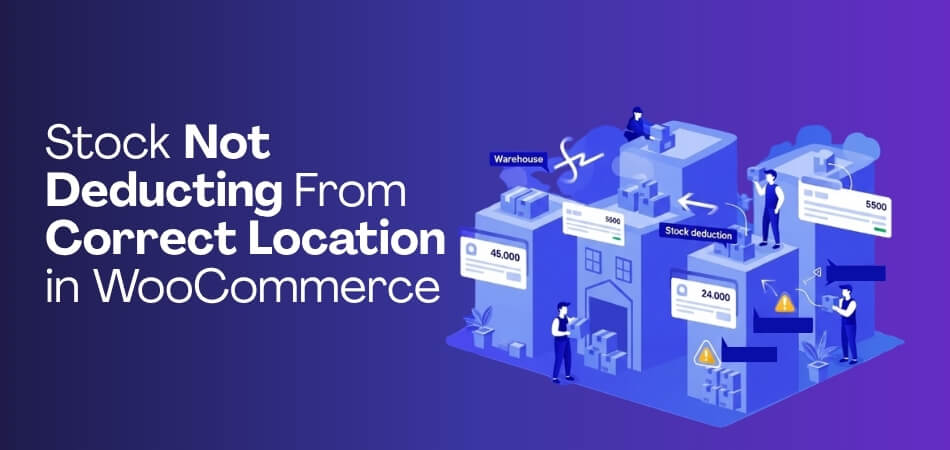
Stock not deducting from the correct location in WooCommerce is a common issue for stores managing inventory across multiple warehouses, branches,
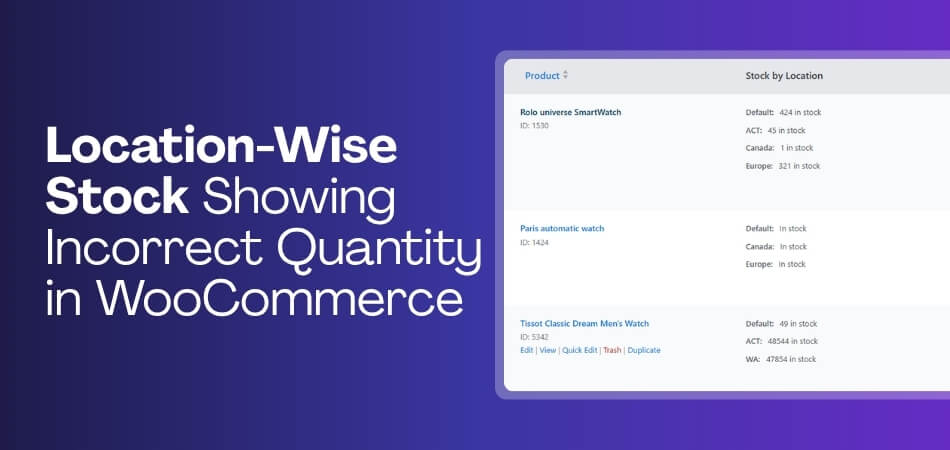
Are you facing location-wise stock showing incorrect quantity in WooCommerce on your store? This is a common issue in multi-location

WooCommerce overselling products across multiple locations happens when stock validation, warehouse assignment, and stock deduction do not stay aligned in

When WooCommerce shows in stock but blocks checkout, it usually means the product appears available on the product page, but

WooCommerce product shows in stock but checkout fails when the system detects a mismatch between displayed availability and actual purchase

When WooCommerce stock not updating after order happens, it usually means the stock deduction process did not trigger correctly during

WooCommerce stock updates in admin but not frontend usually means the inventory change has been saved correctly in the backend,

WooCommerce allows orders when out of stock in situations where inventory rules, backorder settings, or stock availability logic are not

WooCommerce variable product stock not working is a deeper inventory issue where the system fails to correctly track, update, or